Choose a medical alert system with less guesswork and fewer sales-page traps.
SafeAtHomeHub turns provider claims into practical family decisions — home vs mobile coverage, fall detection, caregiver alerts, contract risk, and real monthly cost.
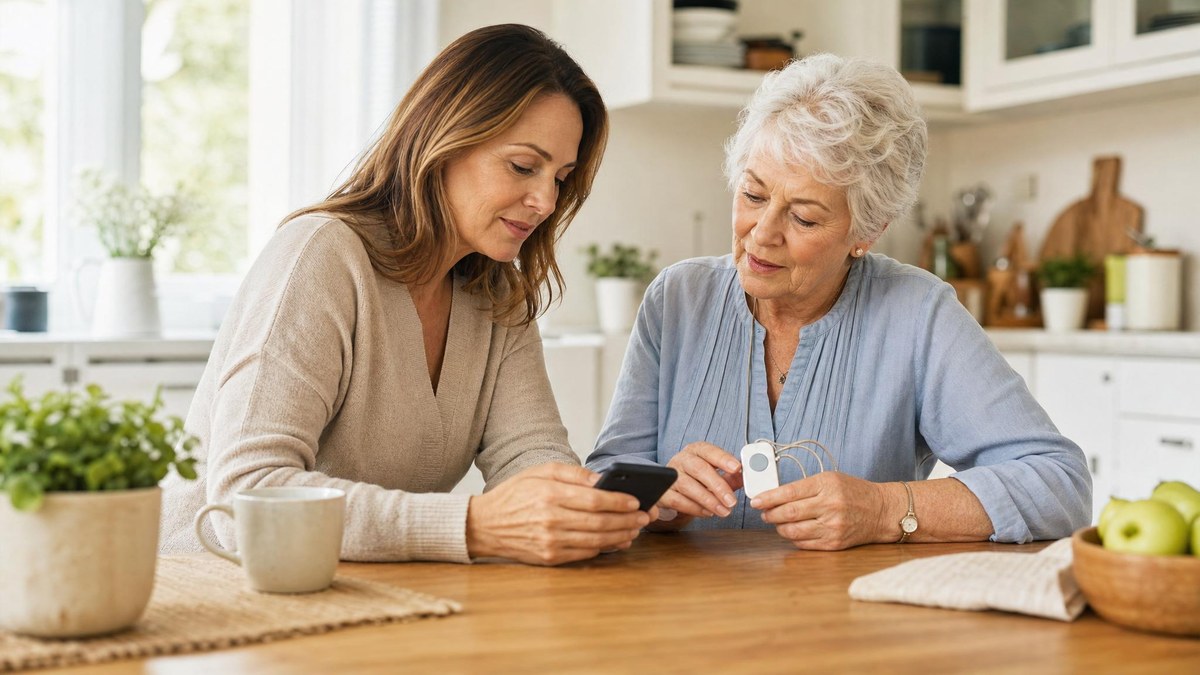
Best fit depends on daily routine.
Caregiver decision guide
Start with the caregiver decision, then compare providers.
Use the family situation to narrow the medical alert choice before comparing brand pages or discounts.
Home-only, errands, walks, appointments, or memory-support needs change the right device category.
List who gets alerts, who has keys, who checks charging, and who handles provider calls.
Fall detection can help, but accuracy, wearability, add-on cost, and false alarms need verification.
Compare monitoring, equipment, activation, cancellation, caregiver app, and replacement-device terms.
Method note: SafeAtHomeHub treats provider pages as starting evidence, then asks families to verify current price, contract, device, fall-detection, caregiver-notification, and cancellation details before choosing.
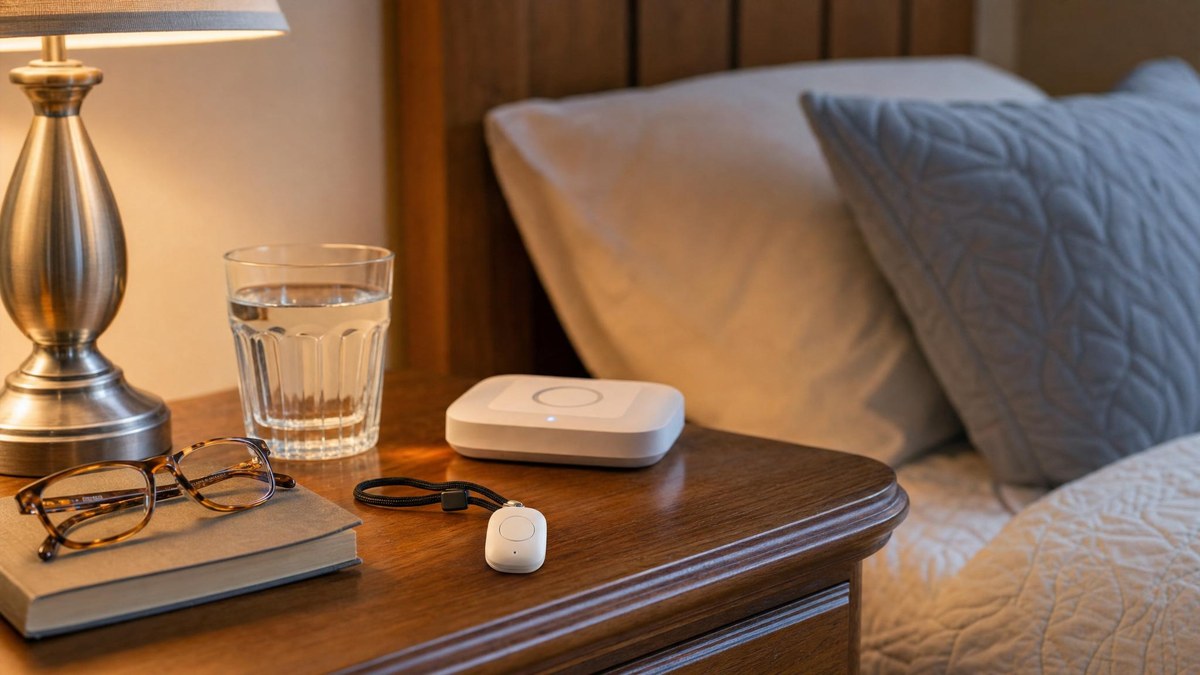
Home safety checklist
Build a room-by-room checklist before comparing alert devices or safety products.
Home-only support
For seniors who mostly need a simple in-home button and base station.
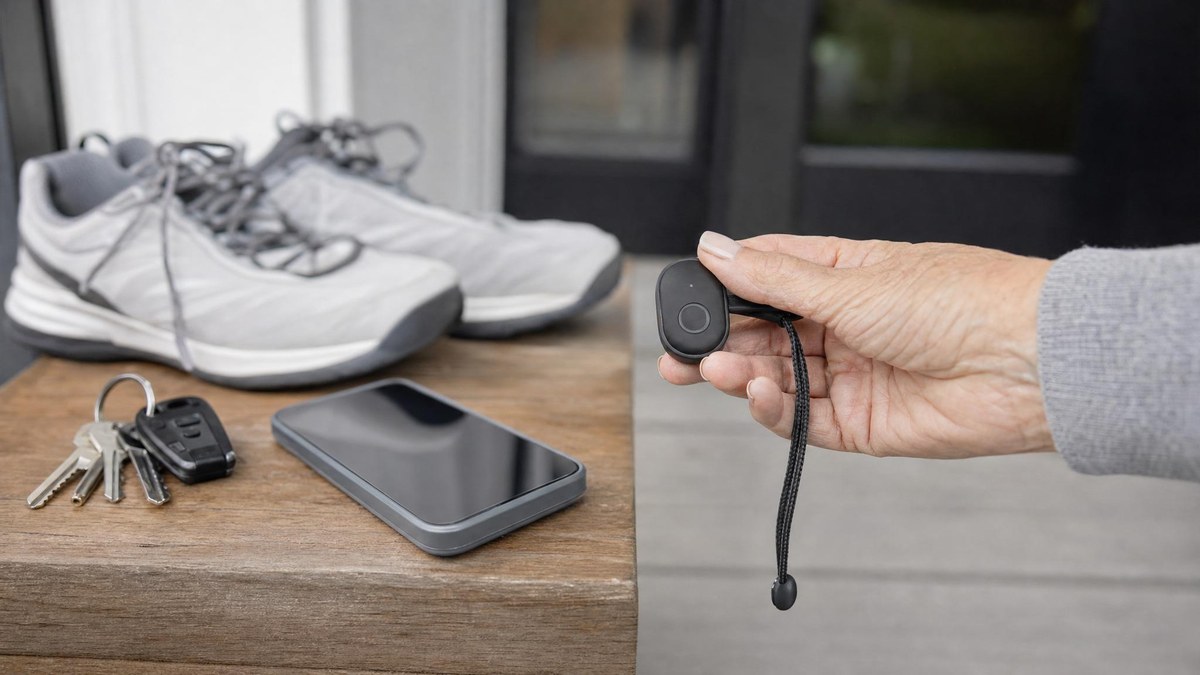
Mobile coverage
For errands, walks, appointments, and staying independent outside the house.
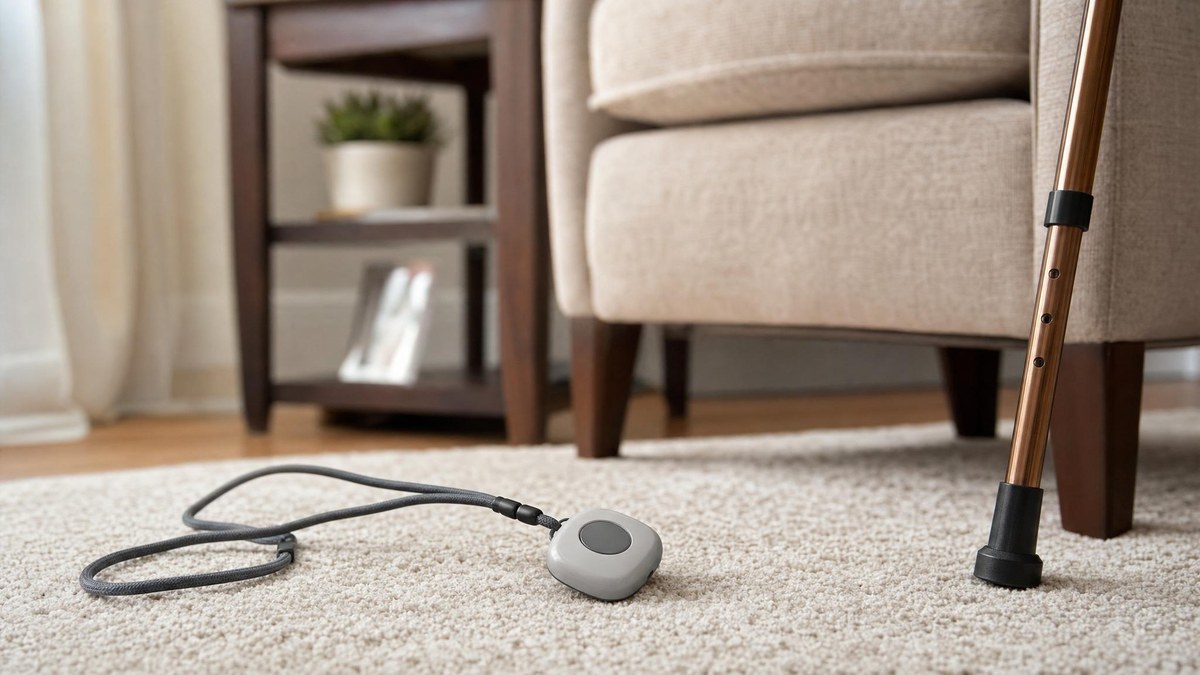
Fall detection
Understand when fall detection helps, where it can fail, and what to verify.
Choose your starting point
I need the best overall shortlist
Compare leading medical alert systems by fit, coverage, fall detection, and cost.
I need a checklist before calling providers
Write down home setup, contacts, pricing questions, and family handoff details first.
I need home + mobile flexibility
Start with MobileHelp and compare against other broad-use providers.
I am comparing Life Alert against the broader category
Use brand familiarity as a starting point, not the full decision.
I do not know how these systems work
Read the plain-English guide before comparing plans or prices.
Built for family decisions, not generic review fluff.
Fit first
Home-only, mobile, fall detection, caregiver needs, and simplicity matter more than one-size-fits-all rankings.
Changing terms flagged
Prices, contracts, and package details can change. We show what families should confirm directly before enrolling.
Affiliate disclosed
Commissions may exist, but comparison criteria and disclosure stay visible.
Caregiver-friendly
Pages are structured for families making practical decisions under uncertainty.
Start with the pages most likely to move the decision forward.
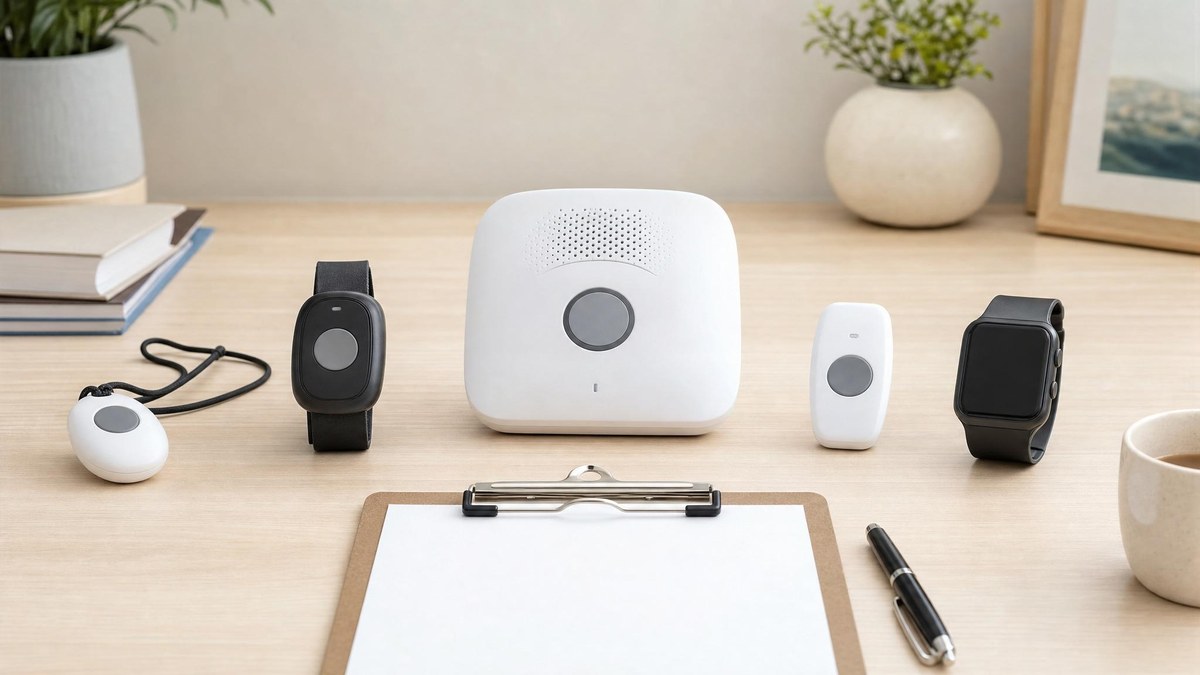
Best Medical Alert Systems for Seniors in 2026: Top Options Compared
Compare the best medical alert systems for seniors based on home vs mobile fit, fall detection, price, ease of use, and caregiver peace of mind.
Read guide → Caregiver Medical Alert Checklist: What to Write Down Before Choosing a System
A caregiver-friendly medical alert checklist for comparing home setup, fall detection, mobile coverage, emergency contacts, pricing questions, and family handoff details.
Read guide → Medical Alert vs Life Alert: How Families Should Compare the Category
A plain-English medical alert vs Life Alert comparison guide with seven-point framework, pricing table, contract breakdown, and family decision pathway for choosing the right system.
Read guide → MobileHelp Review: Is It a Good Medical Alert System for Seniors?
A practical MobileHelp review covering flexibility, pricing tiers, ease of use, and how it compares with other medical alert systems.
Read guide →